Screens are part of modern childhood — from educational games to family video calls — but mindful use is what makes the difference. The question isn’t whether to introduce technology, but how.
Between ages 0–8, children are soaking up habits that will last. With a balanced, intentional approach, screens can support learning, connection, and creativity — without taking over playtime or imagination.
🌿 Why It Matters
Research shows that early tech exposure can be both a tool and a trap. Used mindfully, it can spark curiosity and teach real-world skills. Overused, it can crowd out the building blocks of development: movement, imagination, and human connection.
💛 Mom Tip: Think of screens as a spice, not the main course. A little adds flavor — too much overwhelms the dish.
1. Start With Purpose, Not Pressure
There’s no single “right age” to introduce screens. Instead, focus on why you’re introducing it.
- Under 2: Stick to co-viewing — video calls with grandparents, gentle music, or short, interactive songs.
- Ages 2–5: Choose slow-paced, story-based shows or apps that encourage response (think: “What color is the ball?”).
- Ages 6–8: Begin guided exploration — safe web searches, creative tools, and family tech projects.
💛 Mom Tip: Before you hand over a device, ask yourself: Is this helping my child connect, create, or learn? If not, it might be a moment for unplugged play.
2. Curate, Don’t Just Control
Algorithms aren’t the best teachers — you are. Choose apps and media that reflect your family’s values and developmental goals.
Try:
- PBS Kids, Khan Academy Kids, or ABCmouse for preschoolers.
- Toca Boca or LEGO Duplo World for creativity-based play.
- Storytelling podcasts like Circle Round for off-screen learning.
💛 Mom Tip: Treat tech time like library time — you wouldn’t hand your child every book on the shelf, so curate their screen library, too.
3. Practice “Co-Viewing” Early and Often
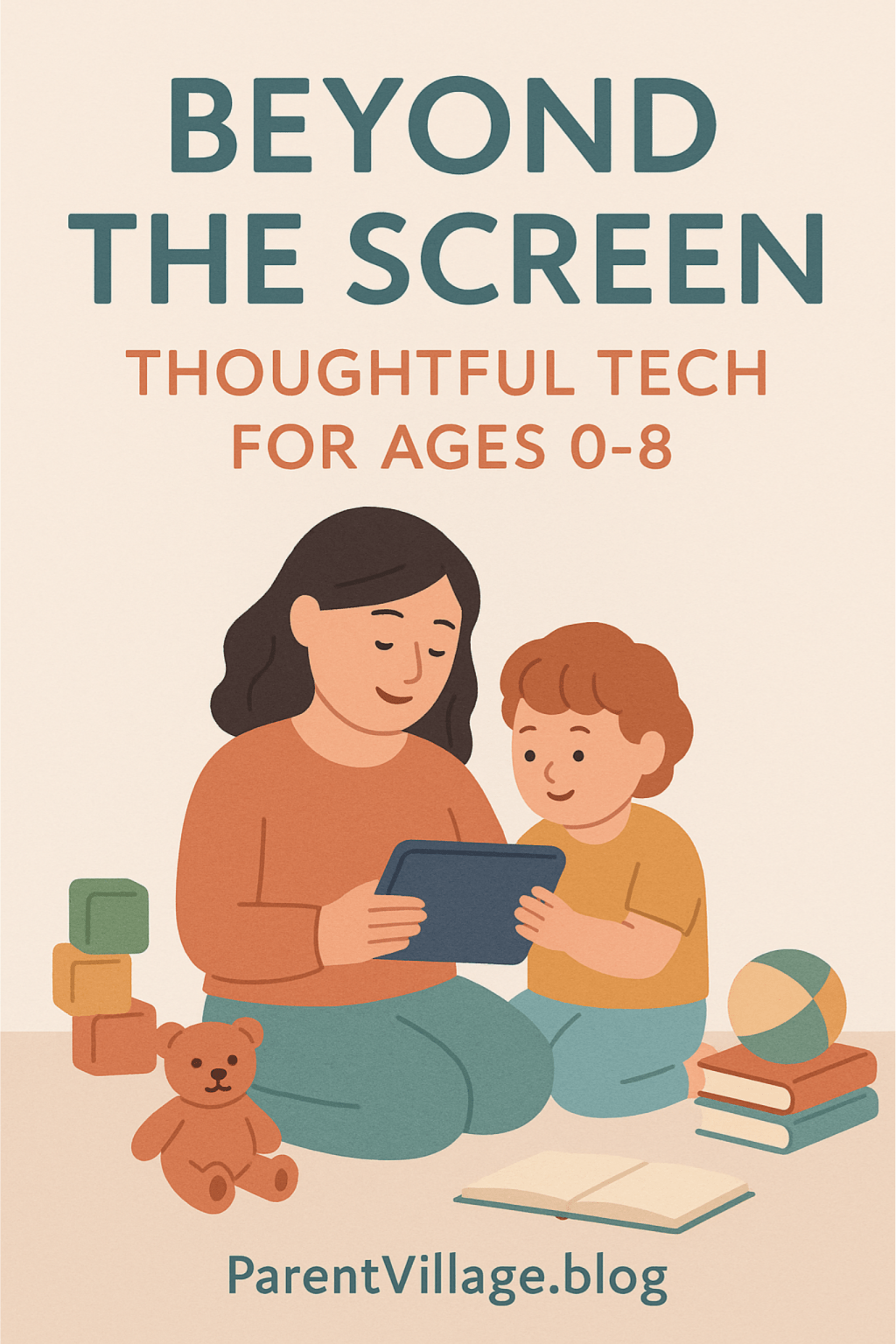
Watching with your child transforms passive screen time into shared experience. Comment, ask questions, and laugh together — you become the bridge between tech and real life.
- Point out emotions: “She looks frustrated — what could help her?”
- Encourage recall: “Do you remember what the puppy did next?”
- Connect it to real play: “Want to build that in your blocks later?”
💛 Mom Tip: Co-viewing keeps screens relational, not isolating. It’s not what they watch — it’s who they watch it with.
4. Create a “Balanced Play Menu”
Balance doesn’t mean banning screens — it means making sure tech fits among a variety of play options.
A healthy play menu might look like:
- Outdoor time: climbing, running, exploring.
- Creative time: drawing, pretend play, music.
- Quiet time: reading, puzzles, mindfulness.
- Screen time: age-appropriate digital play or learning.
💛 Mom Tip: Try a “Tech Token” system — one token = one 20-minute tech session. Once the tokens are used, the day’s screen time is done. It teaches balance and responsibility.
5. Set Clear, Calm Boundaries
Children thrive on consistency. Decide ahead of time where, when, and how screens are used — and communicate it calmly.
Examples:
- “No screens during meals or before bedtime.”
- “Screens stay in shared spaces, not bedrooms.”
- “We use tech for learning and creativity, not boredom.”
💛 Mom Tip: Use visual cues — a color-coded chart or a “tech basket” where devices rest overnight. Kids respond well to physical reminders.
6. Let Tech Reflect Your Family’s Values
Tech isn’t neutral — it can reinforce what matters most to your family. Use it to teach kindness, empathy, and curiosity.
- Watch shows that highlight cooperation and problem-solving.
- Use digital art or storytelling apps for self-expression.
- Discuss what they see online — even cartoons can spark big feelings.
💛 Mom Tip: If you use tech to connect — FaceTiming grandparents, sharing family photos, or creating videos together — it becomes a bridge, not a barrier.
7. Model the Balance You Want to See
Your habits are their blueprint. If they see you pausing to be present, leaving your phone during dinner, or reading on a tablet instead of scrolling, they’ll mirror that energy.
💛 Mom Tip: Narrate your own tech mindfulness — “I’m putting my phone away so I can focus on you.” This subtle modeling has a big impact.
🌈 Takeaway: Tech With Heart
Technology isn’t the enemy — it’s a tool. What matters most is how it’s used. When children grow up in homes that treat tech as a helper, not a habit, they learn balance, curiosity, and connection.
Every mindful tap and co-viewed show lays the foundation for a digital world that feels human — not hurried.
Created with love by ParentVillage.blog 💛






Leave a comment